 image-to-image
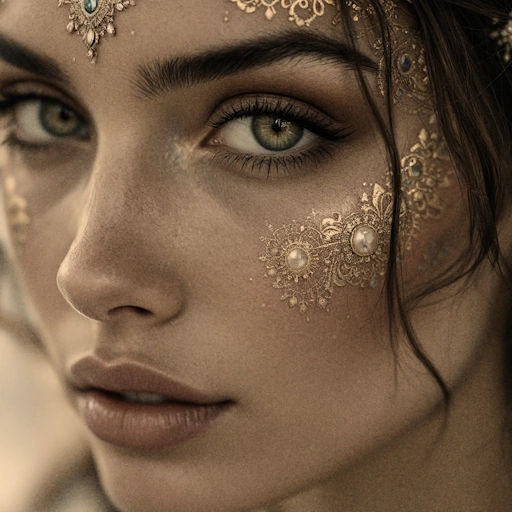
Post Processing Dodge Burn
fal-ai/post-processing/dodge-burnApply dodge and burn effects with multiple modes and adjustable intensity.
Browse the public fal model directory. Models become callable through Kaista Cloud only after supply, pricing, and compatibility review.
image-to-imagefal-ai/post-processing/dodge-burnApply dodge and burn effects with multiple modes and adjustable intensity.
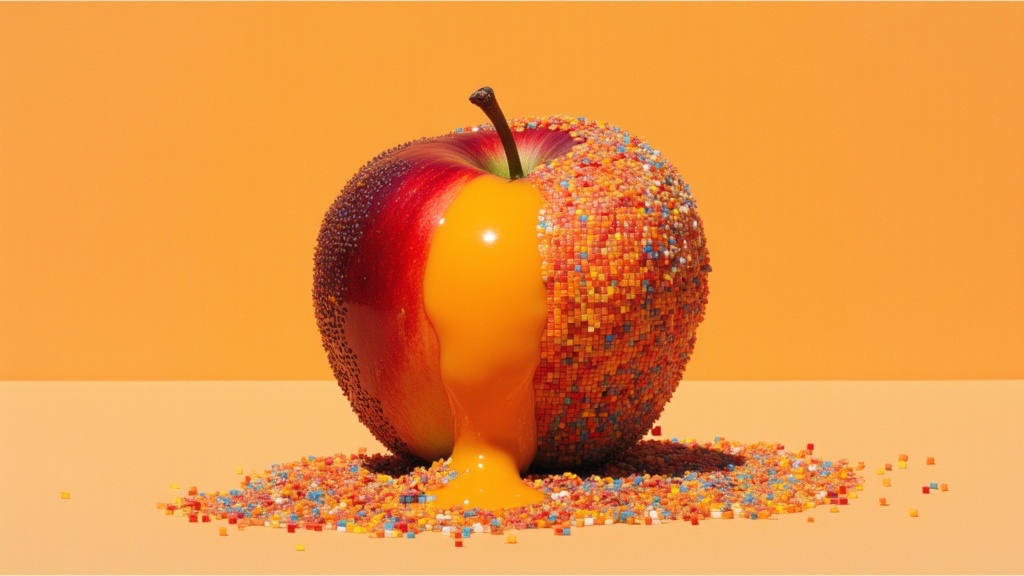 image-to-image
fal-ai/qwen-image-edit-2509-lora-gallery/next-sceneCreate cinematic transitions and scene progressions (camera movements, framing changes)
image-to-imagefal-ai/post-processing/desaturateReduce color saturation using different methods (luminance Rec.709, luminance Rec.601, average, lightness) with adjustable factor.
image-to-imagefal-ai/post-processing/chromatic-aberrationCreate chromatic aberration by shifting red, green, and blue channels horizontally or vertically with customizable shift amounts.
image-to-imagefal-ai/post-processing/color-tintApply various color tints (sepia, red, green, blue, cyan, magenta, yellow, purple, orange, warm, cool, lime, navy, vintage, rose, teal, maroon, peach, lavender, olive) with adjustable strength.
image-to-imagefal-ai/post-processing/parabolizeApply a parabolic distortion effect with configurable coefficient and vertex position.
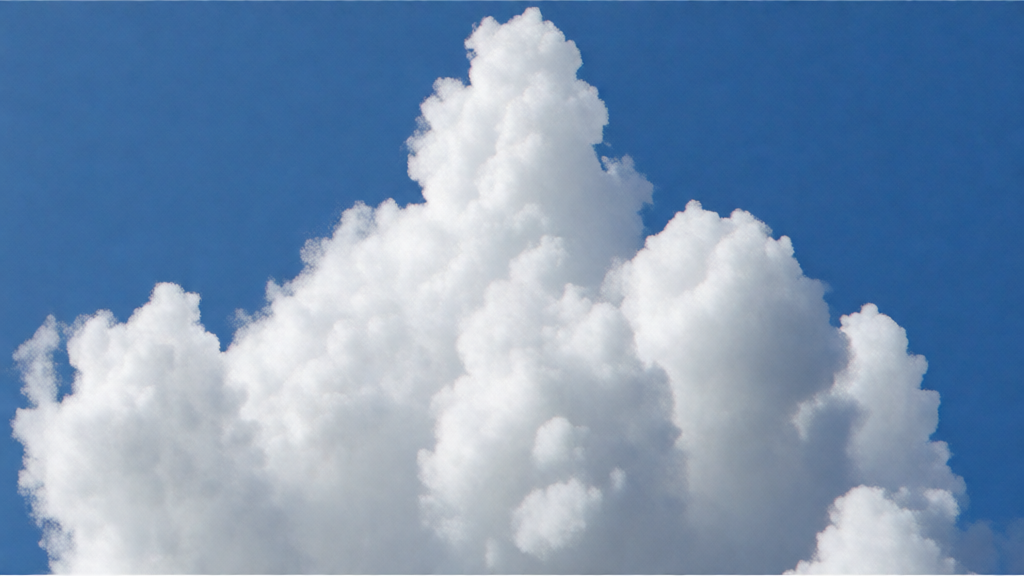 image-to-image
fal-ai/post-processing/solarizeApply solarization effect by inverting pixel values above a threshold
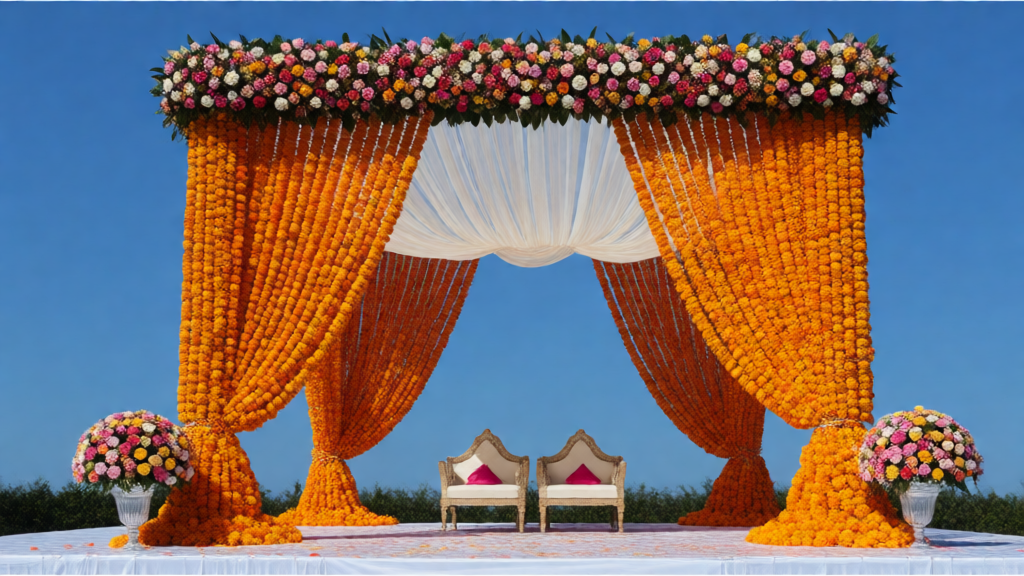 image-to-image
fal-ai/post-processing/vignetteAdd a darkening vignette effect around the edges of the image with adjustable strength
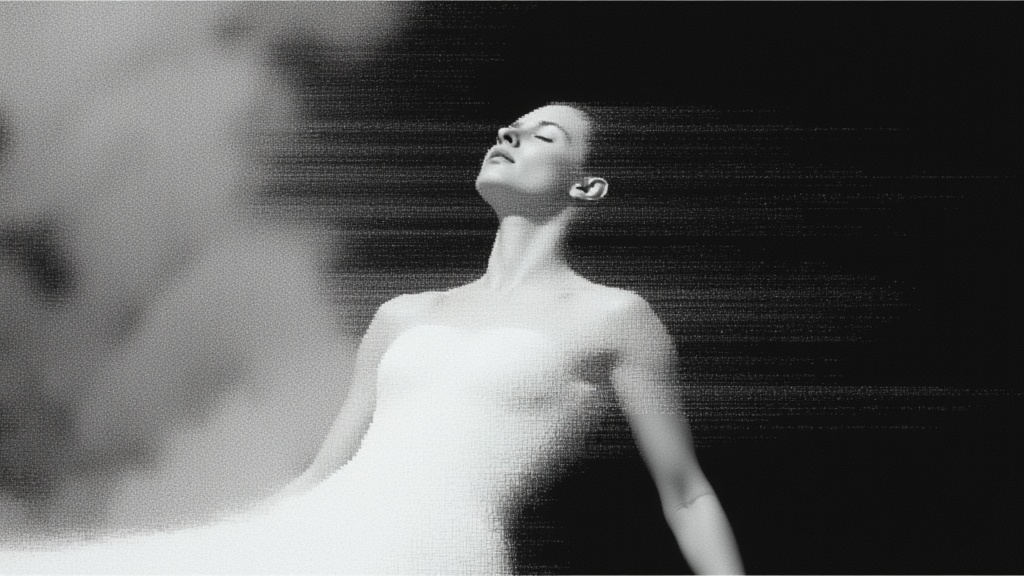 image-to-image
fal-ai/qwen-image-edit-2509-lora-gallery/add-backgroundAdd a realistic scene behind the object with white background